
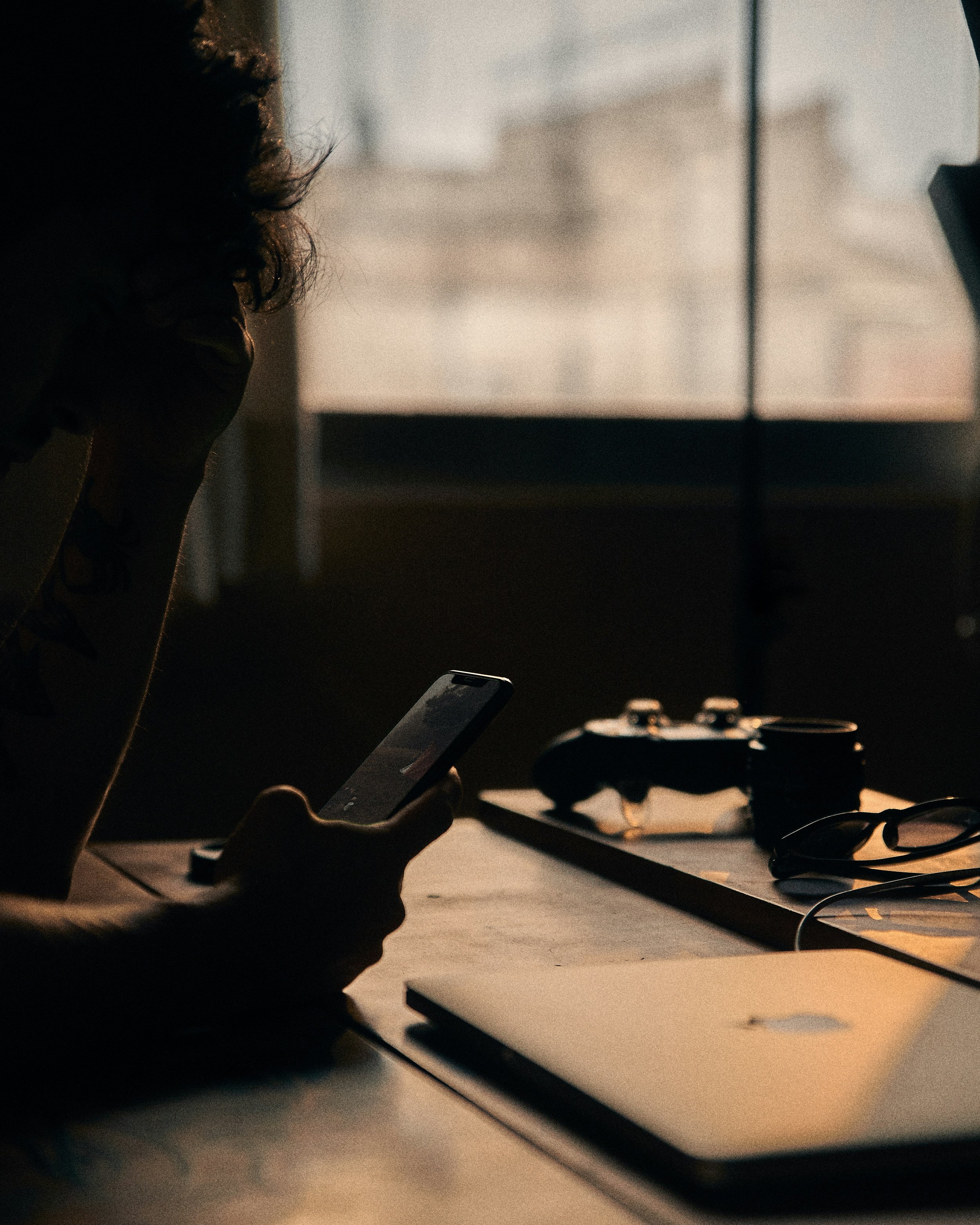
How Long Hours in Front of a Screen Affect Your Head
Modern routines keep millions of people sitting in front of computer monitors, phones, and tablets for 8 or 9 hours every day. Staring at bright displays for long stretches triggers pressure that creeps from behind the eyes straight into the skull. Understanding how extended screen exposure affects head comfort helps you manage daily energy levels and protect your well-being.
The Physical Strain Of Daily Screen Exposure
Working on digital displays forces visual muscles to stay locked in a single posture for hours. Many individuals choose to Block Blue Light with dedicated glasses to maintain visual comfort during demanding computer tasks. Taking these simple steps offers real relief when spending long hours sitting in front of bright monitors.
Constant exposure to bright screens leads to neck tightness and throbbing pressure near the temples. Muscle groups in the neck and upper back tense up as posture slips forward toward the desk. Tight muscles push pain upward into the head, creating persistent dull aches by late afternoon.
Understanding Computer Vision Syndrome
Prolonged focus on backlit glass creates a recognized condition that impacts office workers worldwide. Medical research notes that 2 hours of continuous digital screen time daily increases the chance you will develop computer vision syndrome. Physical signs get worse throughout the day when proper breaks are skipped.
Bright displays create harsh glare that forces optic nerves to process heavy visual information without rest. Overworking these internal pathways causes deep fatigue around the forehead and eyebrow line. Cutting down on continuous viewing stops the buildup of internal tension before discomfort sets in.
Cut down on screen strain with a few simple habits. Try the 20‑20‑20 rule: every 20 minutes, glance at something 20 feet away for 20 seconds. Adjust your brightness to match the room. Keep your monitor a little below eye level and at a comfortable distance. And take breaks; your eyes need rest, too.
Why Eyes Experience Fatigue And Dryness
Glaring monitors alter natural human reflexes without people noticing during busy shifts. Eye specialists explain that the reason discomfort from screens is so common is that we blink less when we stare. Lower blink rates leave ocular surfaces dry and sensitive to room airflow.
Fewer blinks mean the protective tear film breaks down rapidly across delicate eye surfaces. Dry surfaces force optic muscles to work harder to keep text in sharp focus. Harder muscular effort directly feeds tension into surrounding cranial nerves, driving discomfort upward.
Common Symptoms Affecting Visual Comfort
Extended sessions in front of desktop monitors produce clear physical reactions across adults. Clinical studies show that in adults, dry eye, eye fatigue, headache, and blurred vision are the most common eye-related issues seen with prolonged screen use. Recognizing these indicators early allows individuals to adjust workspace environments before aches become severe.
Key signs of heavy visual strain include:
Dry eye creates a gritty or burning sensation on the eye surface
Eye fatigue leads to heaviness around the eyelids and brow line
Headache causes throbbing pressure around the temples
Blurred vision makes reading text on displays difficult
Ignoring early warnings forces sensory systems to compensate through awkward physical habits. Poor desk setups compound the problem by straining neck alignment continuously. Restoring comfortable viewing distances cuts down this immediate pressure.
Workspace Adjustments For Daily Comfort
Room lighting plays a direct role in how much strain reaches head nerves. Overhead bulbs reflecting off glass screens create harsh contrast that forces constant muscular adjustments. Positioning monitors perpendicular to windows cuts down reflection issues significantly.
Matching display brightness to surrounding room light keeps pupil sizes stable throughout the workday. Monitors glowing brighter than background room spaces force visual systems to work extra hard. Keeping glass surfaces clean prevents added strain caused by dust particles interrupting clear focus.
Proper desk height lets you view screens slightly downward without tilting your head backward. Keeping an arm-length distance gives focus mechanisms room to relax during long projects.
Practical Breaks To Protect Your Focus
Simple routine changes offer rapid relief from tension building up during long work shifts. Stepping away from desktop setups every hour resets muscle tension in the face and neck. Looking toward distant objects allows internal focus mechanisms to stretch fully and relax.
Consciously completing full blinks keeps moisture moving across eye surfaces regularly. Short walks away from desks encourage healthy circulation through tight upper body muscles. Simple physical resets prevent regular end-of-day headaches from taking over your evening.
Managing head comfort during long screen sessions comes down to smart daily habits. Small adjustments in room lighting, regular breaks, and proper setup make a big difference in daily energy levels. Taking proactive steps today maintains comfortable vision and keeps head pain from disrupting your daily schedule.